

The Cops and Robbers Game draws you into a universe of risky digital robberies copsandrobbers.eu.com. It’s common to become engrossed. For gamers in the UK, protection and responsible gaming are not mere suggestions. They are the foundation of a licensed market. One key safety feature that is frequently underestimated is the time limit. This feature enables you to set how your playtime. Consider it as a built-in pause button. Activating it in Cops and Robbers Slot is a prudent method to appreciate the game’s action while staying balanced. It helps turn playing into a structured part of your recreation, so the thrill of hunting for online winnings does not disrupt your everyday equilibrium.
What Makes Session Timeouts Are a UK Gaming Essential
The UK Gambling Commission (UKGC) requires high standards from every operator it licenses. Protecting players is the main goal. In this environment, session timeouts are more than a handy feature. They are a basic part of an operator’s duty of care. These settings give power back to the player by stopping continuous sessions. This creates a chance to think about the time and money you’re using. A game like Cops and Robbers Slot, with its tense bonus rounds and sharp graphics, makes these pauses especially useful. They work as a built-in reminder, a moment to surface from the immersive job of cracking safes and escaping the authorities. This fits the UK’s forward-thinking stance on safer gambling, promoting habits that stop sessions from accidentally running too far. It’s a feature that supports your enjoyment by keeping it inside healthy limits.
The Key Perks for Cops and Robbers Slot Players
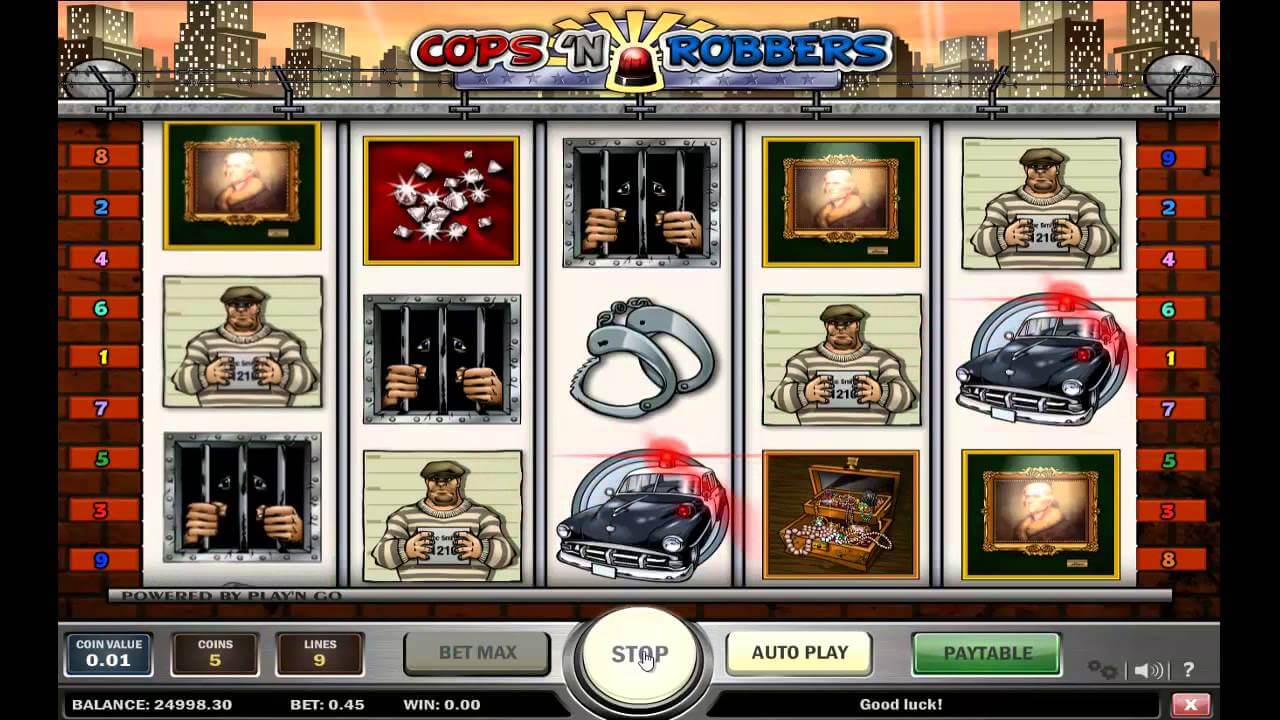
Employing play pauses effectively delivers several clear benefits that enhance your experience with Cops and Robbers Slot. It encourages mindful play by requiring regular intervals. This helps you refocus and make more informed choices about your next bet or which feature to trigger. It also helps with money management. An interruption is the perfect opportunity to examine your bankroll and your expenditure in this session, guaranteeing your playtime matches your spending limit. It supports your physical wellbeing by urging you to take a break from the display, which reduces eye fatigue and improves posture. In a game about planning capers, these breaks are like a touchpoint with base headquarters. They also boost your account security by ending your session if neglected, which protects your funds and personal details. It’s a complete tool that cares for your financial and physical state.
- Enhanced Control: You decide how long your gaming session lasts.
- Budget Consciousness: Regular intervals allow you to check your spending versus budget.
- Mindful Engagement: Promotes conscious play, which can improve your decisions and how much you enjoy the game.
- Protection Increase: Locks your account automatically if you leave it unattended.
- Physiological Wellness: Urges you to take screen breaks, improving eye health and body alignment.
Common Queries and Troubleshooting Advice

Even the easiest platforms can sometimes lead to misunderstanding. A frequent question asks if a session expiry will interrupt a bonus feature or complimentary spins in Cops and Robbers Slot. Typically, a timeout caused by inactivity won’t interrupt a spin in progress. Nevertheless it might sign you out after that game round ends. It’s recommended to monitor your session timer during extended bonus rounds. If your settings don’t seem to be working, first ensure that you have saved them correctly in the responsible gaming menu. Clearing your browser’s cache or changing browsers can occasionally resolve minor technical problems. For ongoing problems, contact the Cops and Robbers Slot customer support team. These resources are designed to assist you. Knowing how they work in different situations makes sure they integrate seamlessly with your gaming habits.
FAQ
What exactly is a session timeout?
A session timeout acts as a responsible gaming feature. It automatically signs a player out of their account after a predetermined period of no activity. It functions as a safety break. This assists in avoiding very long, unbroken play sessions and makes you more aware of your time on platforms like Cops and Robbers Slot.
Is employing a session timeout mandatory on Cops and Robbers Slot?
No, configuring a session timeout is optional. It is a tool provided to give players more control. But UK licensed operators need to offer these features. Using them is highly advised as part of a responsible approach to online slots and overseeing your gameplay.
Will I miss my game progress or bonus round if a timeout occurs?
Most systems will not interrupt a spin that is already in progress. However, after the current game round or bonus feature ends, the timeout may then initiate the logout process. Be mindful of your settings during extended bonus events like free spins in Cops and Robbers Slot.
Can I configure multiple reminders before a full logout?
Many platforms, including Cops and Robbers Slot, usually separate a “reality check” from a full session timeout. A reality check is a pop-up reminder about your time played. A timeout is the automatic logout. You can typically establish these up individually. This indicates you can get a warning before the final logout, so you can decide to keep playing or stop.
How can I modify or deactivate my session timeout option?
You can change or turn off your timeout option at any time. Go back to the Responsible Gaming or Account Settings area of your Cops and Robbers Slot account. Locate the session limits region, pick a new time or decide to disable the feature, and save your changes.
Does a session timeout affect my deposit or loss limits?
No. Session timeouts are entirely separate from deposit, wager, or loss limits. A timeout solely affects how long your login session stays active. Your financial limits remain active on their own. They will keep managing your spending across all sessions depending on how you configured them.
Why is this feature particularly important for UK players?
The UK Gambling Commission applies strict player protection rules. Session timeouts are a central piece of this, assisting operators fulfill their duty of care. For UK players, utilizing this tool is part of a national framework for safer gambling. It assists guarantee their enjoyment with games like Cops and Robbers Slot is equally entertaining and responsible.
Mastering the session timeout settings in Cops and Robbers Slot is a wise move for a healthier, better gaming session. This feature, a key part of the UK’s strong player protection rules, gives you control over your playtime. It includes necessary breaks that encourage awareness of your time and money. By configuring these personal pauses, you can immerse yourself in the thrilling heist action knowing your wellbeing is taken care of. Using this tool helps guarantee the excitement of the chase continues as a positive and sustainable pastime. The fun of the game truly shines, supported by responsible play.
Adjusting Your Perfect Timeout Duration
Picking the proper timeout length depends on your individual playing style. The Cops and Robbers Slot platform normally gives you a choice, from short breaks like 10 or 15 minutes to longer stretches of an hour or more. A good approach is to start with a middle-ground setting, maybe 30 minutes, and then adjust it based on how it feels. If you continue getting interrupted while you’re in the middle of a focused session, you could extend more time. On the other hand, if you regularly realise an hour has slipped by unnoticed, a quicker, more recurring reminder can be a big help. The idea is to regard this setting not as a limit, but as a tool you can fine-tune. It enables you build a gaming environment that suits you, allowing you immerse yourself in the strategic heists and explosive features of Cops and Robbers Slot without accidentally starting a marathon.
The way Timeouts Fit UK Responsible Gambling Tools
Session timeouts aren’t standalone. They are one part of a complete set of responsible gambling tools that UK-licensed operators like Cops and Robbers Slot must provide. These tools combine to provide strong protection. Deposit limits regulate how much money you can add over a day or week. Reality checks are pop-up reminders about how long you’ve played. Session timeouts advance by applying a hard break. They are a firmer intervention that halts the game itself. This framework of controls allows you to build a individual safety plan. You might set a daily deposit limit, a 30-minute reality check, and a 45-minute session timeout for automatic logout. This multi-layered method is a trademark of the UK’s player-first regulations. It guarantees exciting games like Cops and Robbers Slot can be enjoyed inside a structure built to prevent harm and encourage play that can last.
Discovering Your Timeout Controls in Cops and Robbers Slot
Finding and adjusting your session timeout on the Cops and Robbers Slot platform is typically simple. The controls are designed to live inside your account settings, often under a responsible gaming heading. Sign in to your account and search for a menu called “My Account,” “Settings,” or “Responsible Gambling.” Inside, you’ll see clear options for session limits and timeouts. The design is intended to be clear, letting you choose how long before a warning pops up or you’re logged out automatically. A good practice is to look through this section when you first register. Establish your preferences before you initiate the chase. Taking a minute to set up these safety nets means your gaming is fun and under your command from the very first spin.
Step-by-Step Navigation Guide
The specific layout can vary a little, but the path to these settings often looks the same. Commence by logging into your Cops and Robbers Slot account on the website. Find your username or profile picture, typically in the top corner of the screen, and select to open a menu. Select “Account Settings” or something similar from that menu. Browse through the tabs until you spot one named “Responsible Gaming,” “Play Safely,” or “Session Limits.” Click on this section to access the timeout options. You will most likely find a slider or a box where you can type the number of minutes of inactivity before a prompt or logout. Apply your choice. The settings will save. This quick, proactive step builds strong safety tools right into your playing routine.